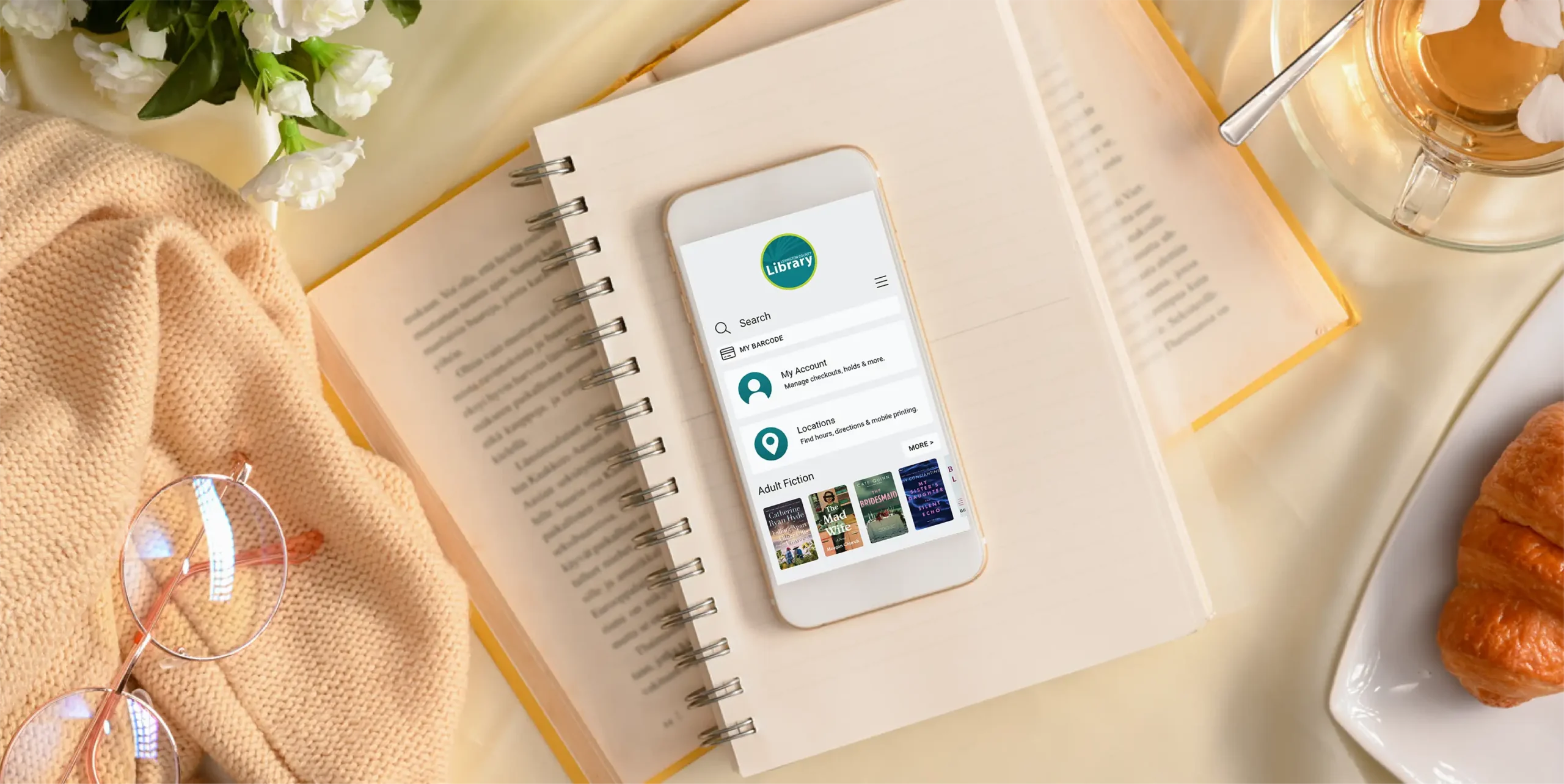
We’re excited to introduce the new Lexington County Library app, designed to make using your library easier and more convenient than ever. With faster searching and a cleaner layout, it’s simpler to find what you want and spend more time enjoying it.
What can the new app do?
With the Lexington County Library app, you can:
Search the entire library catalog.
Place hold requests and choose your preferred pickup branch.
View due dates and renew borrowed items.
Create and manage reading lists.
Display your library card barcode digitally.
Add multiple library cards to the app so they’re all linked in one place.
What's changing?
As part of this upgrade, myLIBRO will be retired on February 28. We encourage all users to make the switch now and get familiar with the new app ahead of time.
What about Libby?
The Lexington County Library app doesn’t replace the Libby app. All the downloadable ebooks and audiobooks you love are still available on Libby with your library card. For added convenience, titles from the library’s Libby collection can be searched in both apps.
Get Started with the App
The Lexington County Library app is available on the App Store and Google Play. Download it today to start exploring.
Download the App
Sign In
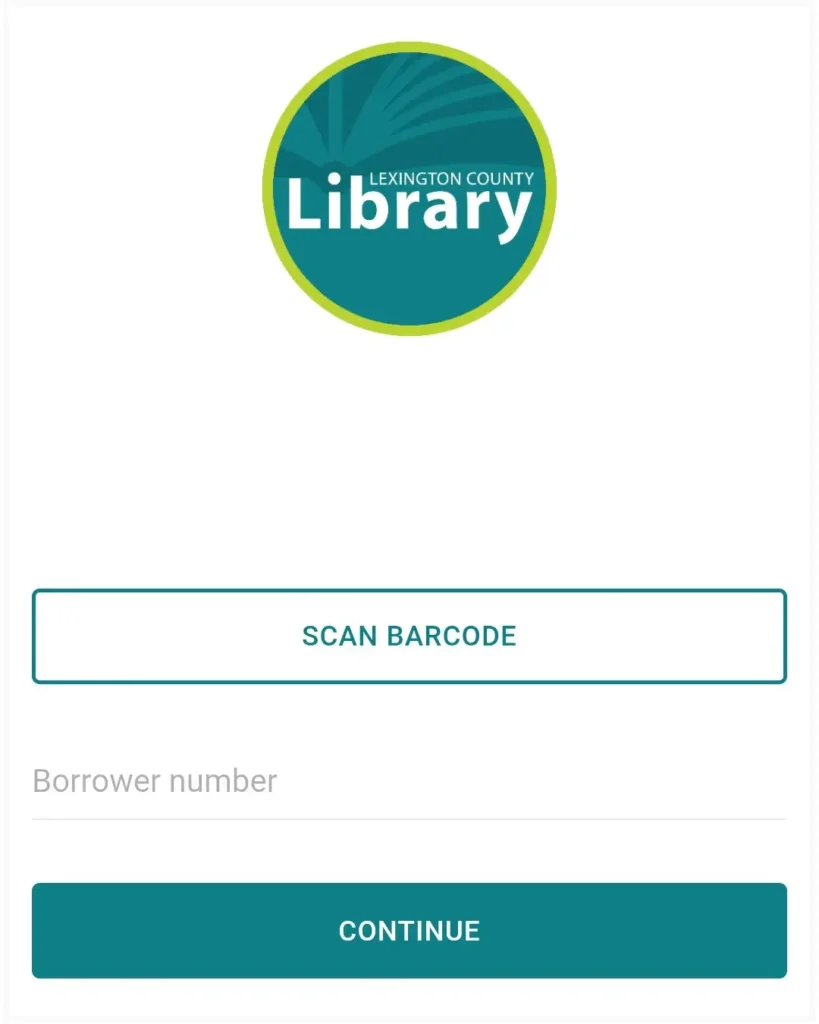
To sign in, you need the same information you use to log in to the library website:
Library card number
Pin or password
The app labels this as “pin,” but either your pin or password will work.
If you didn’t set a pin/password at sign-up, the default is the last four digits of your barcode number.
Forgot your pin/password? You can reset it on the catalog if your account has an email address, or visit any library location and staff will be happy to help.
Once you’re signed in, you’re ready to start searching for materials and managing your account right away.
Manage Multiple Library Cards
If family members have library cards, you can link multiple accounts in the app.
After logging in, tap “My Account.”
Select “Linked Accounts.”
Enter the library card number and PIN/password for each account you want to add.
Search the Catalog
Searching in the app works much like the online catalog.
Look up materials by keyword, title, author or subject.
Filter results by format or location.
Use “Scan ISBN Barcode” to check availability for books you spot while out and about.
Explore More in the App
Locations: View branch hours, directions and mobile printing links.
Online Resources: Discover digital tools and library databases.
Need Help?
If you need assistance with the Lexington County Library app or any of the library’s digital offerings, visit your local library branch, email us or chat with one of our library staff with the Ask a Librarian service.